Upload Files With Progress

The ASP.NET default handler for file uploads does not easily allow you to provide feedback or control over the process. There are many ways to work around this issue. This demonstrations uses the Uploadify jQuery plugin. The live demo shows examples of single and multiple file upload including form data.

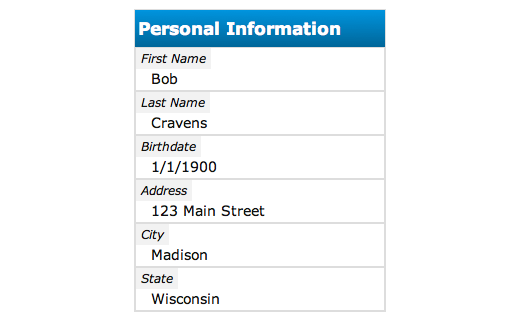
Form Data Presentation Using HTML/CSS

I have been experimenting with a simple and clean way of presenting 'form data' or 'name / value' pairs. View source on the demo for the code.

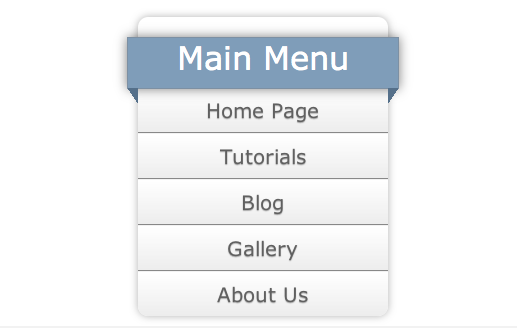
A CSS3 Vertical Menu With A Ribbon

Another afternoon tinkering session. This design uses a number of CSS3 features. The left and right triangles are dynamically added using ':before' and ':after' styles. Right click and view source.

Web Charts Using jQuery Flot

Many web applications require data be graphed in a line chart, bar graph, or other format. The jQuery Flot library makes it easy to generate these charts.

Classical Pong

Go ahead. Have some fun. Play classical pong. This version was written using HTML, CSS, and JavaScript (jQuery) during an afternoon tinkering session. Play a little. Right-click / view source if you want to see the code.

Trip Recorder using JavaScript's Geolocation API and Google Maps

This is a web page that uses geolocation enabled browsers to record trips. Works in many mobile browsers. This page uses Google Maps to render the trip. Looks best in mobile browsers.

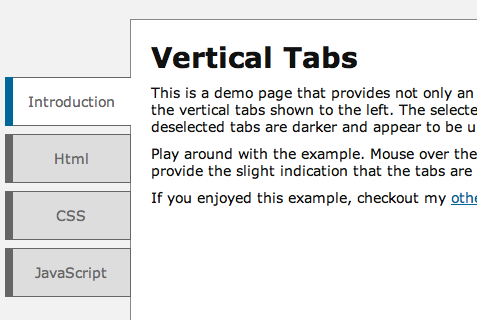
Simple Veritcal Tabs

Many web sites these days are displaying vertical menus. This is an example of how to create a vertical menu that appears to be connected to the main content area. The tab-like appearance is achieved using only HTML, CSS, and JavaScript.

Making the Web Growl using jQuery

I really like how the Growl application for the Mac works. It provides a notification framework that all applications can use. I often find my self needing to display notifications to the user in my web applications.

Web Talk - A Framework for Web Based Presentation

I decided to develop a web-based framework that I could use to create presentations. This framework includes a default theme, layout styles, and animations. For more information, click the 'Live Demo' to load a presentation created with the framework that explains how to use the framework.

Let Mother Nature Create Your Background Gradient

Nature provides some of the most beautiful scenery and back drops. The colors and gradients found in nature are perfect for many web designs. In this post, I will show how to let mother nature help create natural looking backgrounds that have two-dimensional gradients.

A Google Maps Version 3 jQuery Plugin

As more and more devices become GPS capable or location aware, mapping will become more pervasive. This is already happening today. This jQuery plugin makes adding a map to your site super easy.

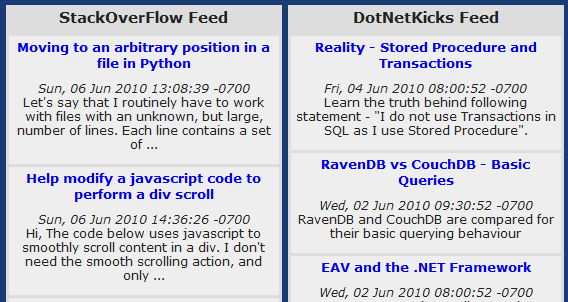
RSS Feed Reader with jQuery and jGFeed

Using jGFeed allows you to create a summary of the latest posts for ANY blog by using the site's RSS feed. RSS feed data is a standardized XML file format. The JSON that jGFeed provides has all the information you need to create a summary.

A Simple jQuery Slideshow Plugin

Many sites these days include a slideshow. This jQuery plugin allows you to add a slideshow on your website using a minimal HTML.

Building An ASP.NET MVC Web Site Series

Follow through a series of posts that build web application using ASP.NET MVC.

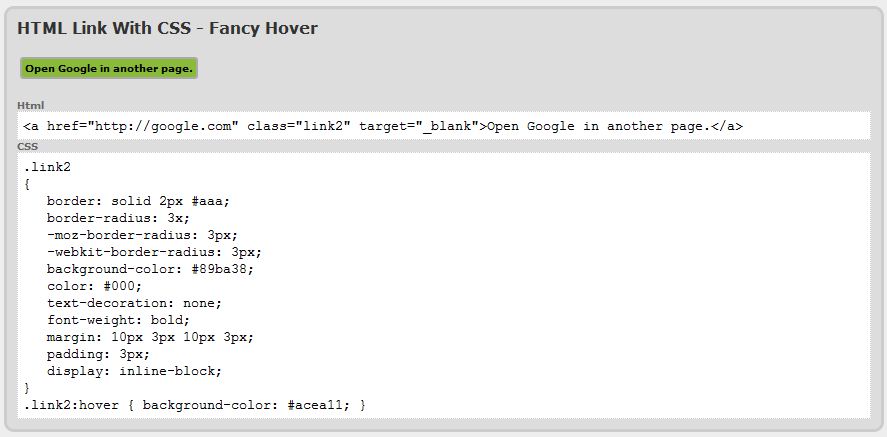
Fancy Up Your Links

Web designers these days can use CSS and jQuery to render more elegant links to enhance their user's experience. This page pregressively explores a few options.

Mr. Marky

Mr. Marky is an ASP.NET MVC task tracking demonstration app. This application leverages jQuery to enhance the client side user experience. Create an account to play around.

Three State Buttons

Many times on a web site you will want to have a button have three distinct visual states: normal, active, and hover. This is easily accomplished using HTML and CSS.

Cloud Animation Using jQuery

Creating a rich user experience may require the need to have animation on the web page. Of course you can pull in tools like Flash and Silverlight. But sometimes, these are too heavy. If you only need a simple animation then JavaScript may be your best answer.

Drop Down Menus

A drop down menu is a great way to display a lot of navigational options in a compact and organized manner. A drop down menu displays a horizontal row of top level menu items. As you mouse over a top level item, the sub items for that item are displayed.

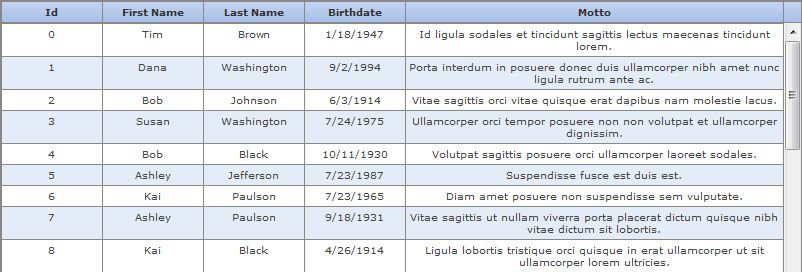
Scrolling Table With Fixed Headers Using jQuery

This jQuery plugin transforms a plain HTML table into a data grid with a fixed header.

A Scrolling News Region

Displaying smaller content areas in a scrolling window is a common scenario. This demo displays news stories. The news stories are generated by outside sources and the info is summarized in a content window. A link is provided to the story.

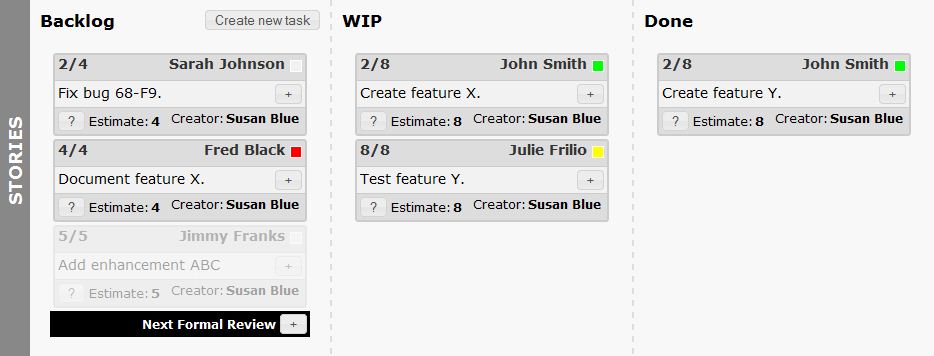
Kanban Board

I have always been interested in playing with jQuery UI. This small demo utilizes HTML, CSS, jQuery and jQuery UI to conceptualize a Kanban board for project management. There is no back-end server side for this concept page. Try dragging a story from Backlog to WIP. Add new tasks. Expand the Stories locker.

Silverlight Graph

I was tinkering around with a Silverlight implementation of a charting library. I forget the original source. If someone recognizes it, please let me know and I will reference. I was working on optimizing some of the data access for mouse over. Try zooming by mouse-down and drag operation.

MobileMe Like Scrolling Image Sprite
There is a lot to learn from the user experience of MobileMe. One element that I particularly like was the way a gallery is presented to the user in MobileMe. A gallery is presented as a thumbnail that indexes through photos in the gallery as you mouse over the image. This demo replicates that experience.

Think

Use an image with transparent pixels to add pizzazz to your web design. Various levels of tranparency are used to allow the background color to shine through. This creates the illusion that the light bulb is emanating light.